
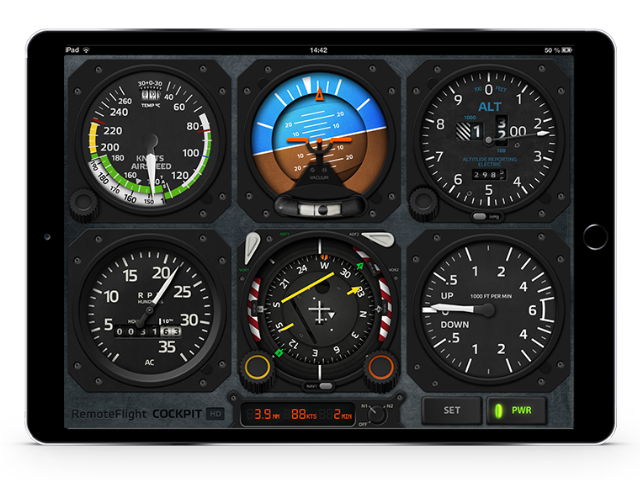
RemoteFlight COCKPIT HD is full-featured, touch enabled cockpit panel replacement for almost any of your Flight Simulator aircraft. Optimized for new iPad retina display from the very beginning but will look just as good on normal iPad screen. Enjoy your scenery on full screen and let your iPad do the job displaying the gauges.
Features
- Pixel-perfect optimized animated gauges
- Touch controls specific to each gauge
- Cockpit layout is fully customizable
- Six basic instruments are included in basic package
- Advanced gauges are available as in-app-purchase
- Independent on which aircraft you are flying in sim
- Compatible with other RemoteFlight apps (e.g. Autopilot)
- Support for both landscape and portrait orientation
Documentation
There are many gauges available in COCKPIT HD and they use different controls. Some things may be obvious and some may be not. Please use this little cheat sheet as a reference on how to control the app.
COCKPIT HD BASIC GAUGES
Airspeed Indicator

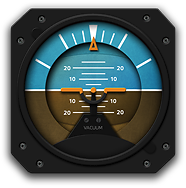
Attitude Indicator
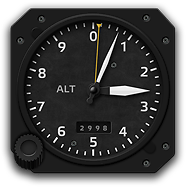
Altimeter
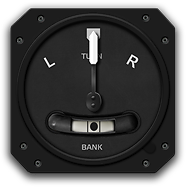
Turn Indicator
Directional Gyro

Vertical Speed Indicator
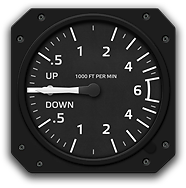
COCKPIT HD ADVANCED GAUGES (AVAILABLE AS IN-APP-PURCHASE)
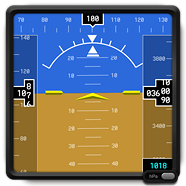
Simple Primary Flight Display
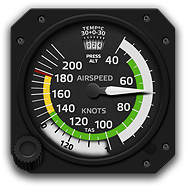
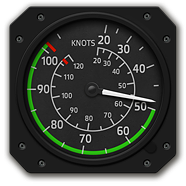
Cessna C172 Airspeed Indicator
Beachcraft BE58 Airspeed Indicator
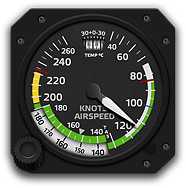
Robinson R22 Airspeed Indicator
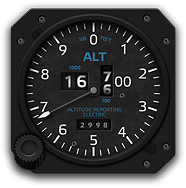
Electronic Altimeter
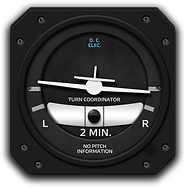
Turn Indicator
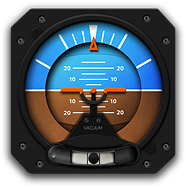
Attitude Indicator w. Slip
Horizontal Situation Indicator

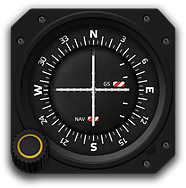
VOR Indicator
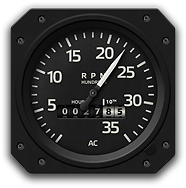
RPM Indicator
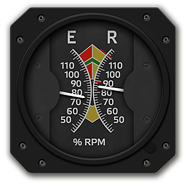
Robinson R22 Tachometer
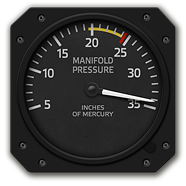
Robinson R22 Manifold Pressure
User Reviews
Worth every penny!
I was at first skeptical on spending $17 on an iOS app. Never spent more than $5 on one (okay there was one time I spent $10 on XPlane 9 for my iPad). But man. This app is truly worth it. It connected to my FSX Acceleration and displayed flight details with nary a delay. And the pointer smoothness. Wow. You have to see it to believe it. A true FSX Add-On. I highly recommend to any FSX fan who owns an iPad.
Best purchase for FSX
This tool is outstanding! Wanted to expand my 3 display setup in FSX to at least 4 monitors, but realized that fps would go down dramatically (computer overclocked to 4.4 GHz, but very demanding add-ons.....). With this app I now train IR procedures without ANY loss of fps and still enjoy to look out of the window on a 5760 x 1080 screen. I used to have those small Saitek screens in the past, but the iPad replaced them completely!
Outstanding
What an amazing app! I run Lockheed Martin`s Prepar3d flight simulator and this app works a treat! Fully integrated into the program with easy installation. I dare say it runs smoother than the Saitek Flight Instrument panels. I recently upgraded the meters to all that inputwish offer. Did a test landing via ILS perfectly without autopilot. Inputwish have won themselves a lifelong customer!